
Accounts and assets
Open Accounts to search, filter, sort, and switch between card and table views.
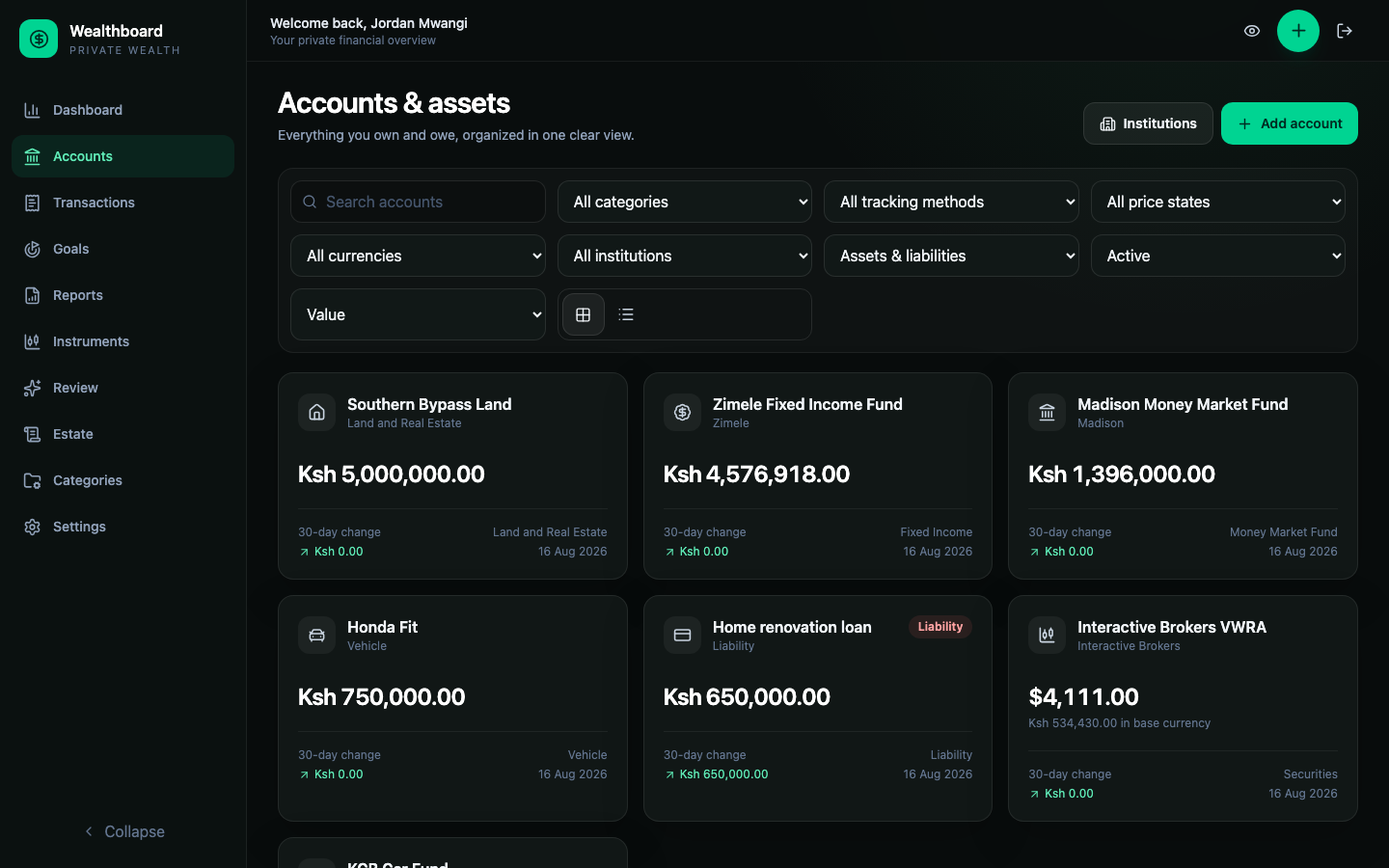
Find the right account
The account workspace can filter by:
- category;
- currency;
- institution;
- asset or liability;
- tracking method and price state.
Sort by value, name, category, recent change, or last update. Table view is useful for comparison; card view gives each account more context.
Read account detail
Select an account to see its current value, classification, chart, transactions, valuations, linked goals, and quick actions.
Balance-account detail shows up to eight recent transactions. Use View all to open the account-filtered transaction workbench with search, date/type filters, sorting, and CSV export. Position accounts have a separate paginated Investment activity timeline.
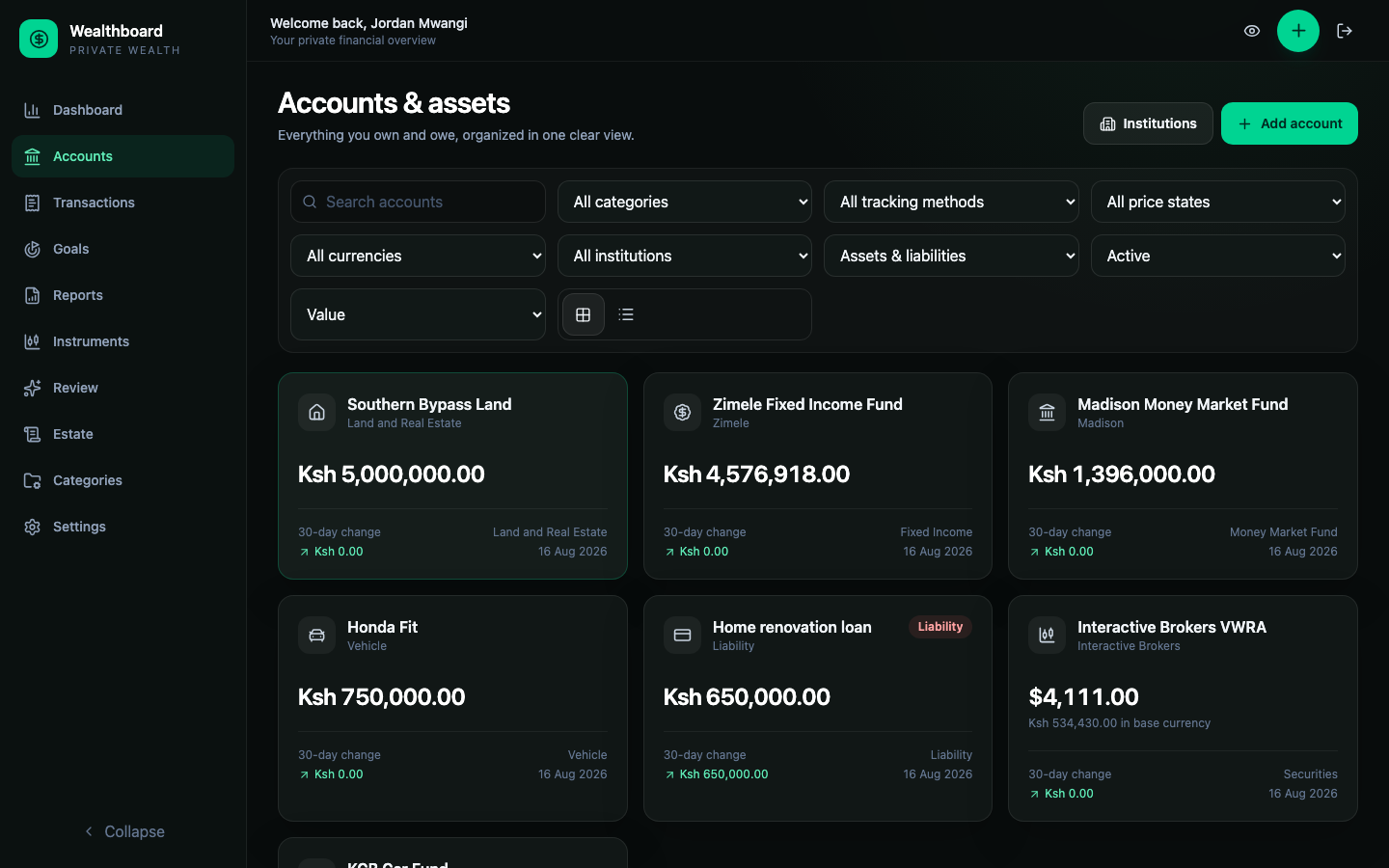
Common actions include:
- Deposit / Withdrawal: ordinary cash movement.
- Interest: income credited to the account.
- Value: an absolute valuation snapshot.
- Transfer: move value to another owned account.
- Import: load prepared history into this account.
- Estate plan: define inheritance intent for an asset.
Track investment positions
Choose Units and prices when creating an active investment account that contains brokerage cash plus long-only stocks, ETFs, or directly priced funds. Position accounts derive value from:
- replayed account-currency cash;
- instrument quantities replayed in explicit same-date order;
- the latest price effective on or before the value date; and
- effective-dated exchange rates when quote and account currencies differ.
Use Buy and Sell for trades, Price for effective unit prices, and Reconcile to retain reported statement cash and totals. Compare those observations with the account history yourself; the current reconciliation screen does not calculate a dated difference. Observations never overwrite quantities, prices, or values.
The Reinvest, Move units, and Corp action quick actions record grouped dividend reinvestments, paired in-kind transfers, and explicit stock splits, spin-offs, or mergers. Grouped records save, delete, and replay atomically. Corporate-action quantities are planning records, not tax-lot or tax-basis calculations.
Missing prices or rates make totals incomplete rather than treating exposure as zero in account analytics and reports. Price records retain their date, source, and provenance. Configure separate stock, ETF, and fund freshness thresholds under Settings; the account's Positions table shows effective dates, sources, and stale flags. See the valuation limitations for goals and estate planning.
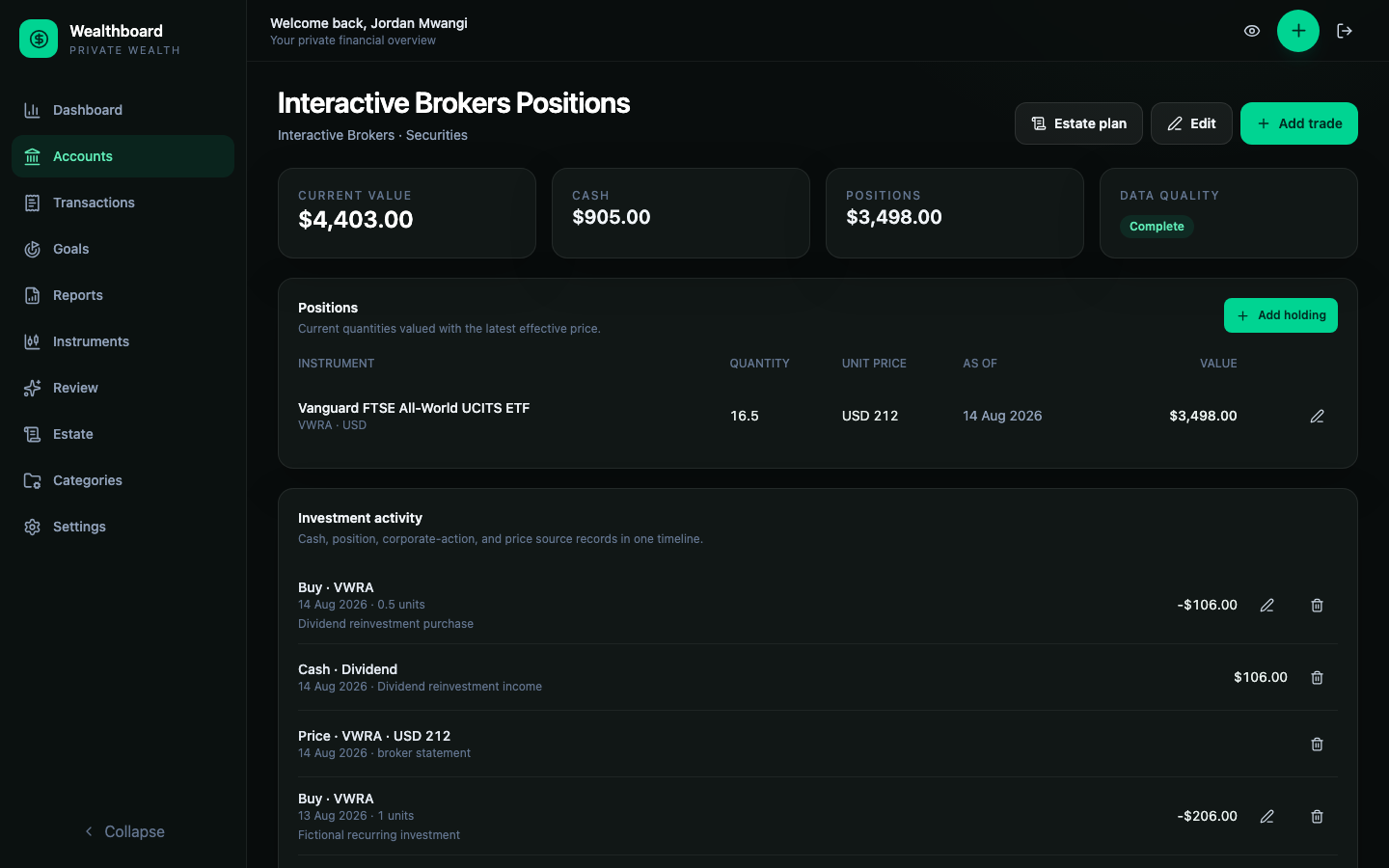
See Position-tracked investments for account setup, trades, settlement, prices, reinvestment, transfers, corporate actions, reconciliation, conversion, privacy, and supported instrument boundaries.
Convert an existing investment account
For an active balance-tracked investment account, choose Convert. Select an as-of date at or after its latest activity, enter explicit opening cash and a holding with its quantity, unit price, and optional reference cost basis, then preview the source balance against the replacement total. The current web form accepts one holding; the Go API supports multiple holdings. A non-zero difference requires explicit confirmation.
Confirmation archives the source effective on the conversion date and creates a linked position replacement. Earlier balance history remains unchanged; Wealthboard never infers units from monetary purchase descriptions or valuations. Existing goal and estate links move to the replacement atomically.
Import investment history
Position accounts use Investment History v1, separate from Account History Import v1. JSON supports bounded instruments, position events, cash activity, prices, and optional grouped dividend reinvestments. Separate CSV templates are available for opening holdings, trades, cash, and prices.
The preview Report contains existing/new instrument resolution, before/after quantities, date range, net change, missing prices or rates, duplicates, conflicts, and oversells. The page itself shows counts and the first 50 row outcomes. Confirmation reparses the SHA-256-confirmed file and commits the complete valid sequence in one transaction; one invalid dependent record blocks the whole investment import.
See the exact Investment History v1 contract for JSON fields, CSV headers, grouped reinvestments, and rejection guidance.
Edit account metadata
Select Edit to change the name, description, category, institution, masked reference, cost basis, net-worth inclusion, or notes.
You cannot change account currency after creation. An included estate asset must first be excluded from the estate plan before it can be reclassified as a liability.
Archive an account
Choose Archive account from account detail. Archived accounts disappear from the accounts list, transactions, selectors, dashboard, reports, and live estate views. Their balances no longer contribute to goals, current totals, or historical totals. Price and rate changes do not update archived values.
Records remain in full JSON backups. Open Settings > Archived accounts to restore an account and rebuild its value from retained history. Converted source accounts cannot be restored while their replacement exists.
Permanently delete an account
Archive the account, then open Settings > Archived accounts and select its delete control. Enter the account name exactly and confirm permanent deletion. This removes its transactions, valuations, positions, reconciliations, and estate allocations. Goals remain but lose their account link; shared instruments and prices remain available.
Deletion is blocked while a cash or in-kind transfer has a paired record in another account. Remove the linked transfer through the other account's activity, or restore the archived account to correct it first. Other account balances are never silently changed by permanent account deletion.
Downloaded backups and previously saved estate snapshots are unchanged copies; deleting an account does not rewrite them.
Categories
Categories classify holdings as assets or liabilities and also describe liquidity and investibility. Manage them under Categories. Existing history keeps its account relationship when a category is renamed.
By default, Money Market Fund, Fixed Income, Savings, and Cash are liquid. The dashboard's Liquid assets total includes active, net-worth-included asset accounts whose current category has the Liquid flag. You can change that flag for any owned category when your classification differs.
Avoid creating categories for temporary statuses such as “needs review.” Use names that remain useful in long-term allocation reports.
Institutions
Institutions are user-owned directory entries, not a shared global catalog. Renaming one updates its name everywhere it is linked. Archiving one preserves existing links but prevents selecting it for a new account.